Dickinson College
Widgets


Image Widget

Story Call Out
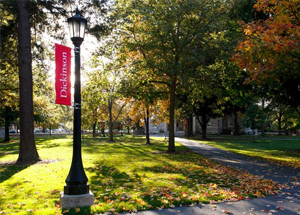
The Story Call Out widget allows us to highlight key information in a way that looks different from standard links. We can also stack them to create a cool look.
Story Call Out 2
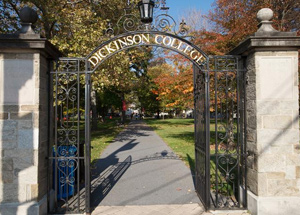
See? We're stacking them and they look really clean!

DC_Showcase
Here is what it looks like to use the DC Showcase widget on a page. This is a really clean way to display information with a photo. The photo can be square or circle and can be placed on the left or right side!
Read MoreImage Gallery

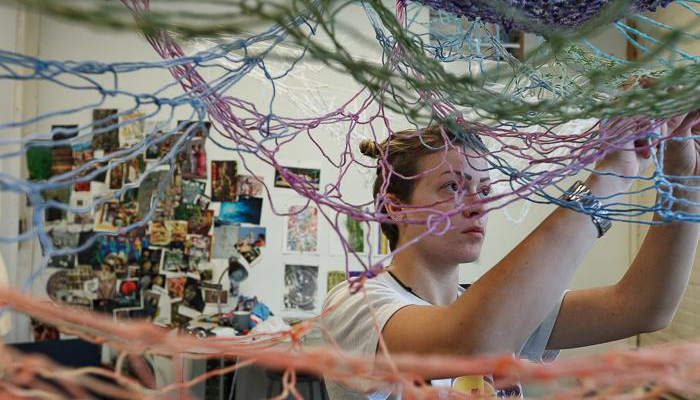
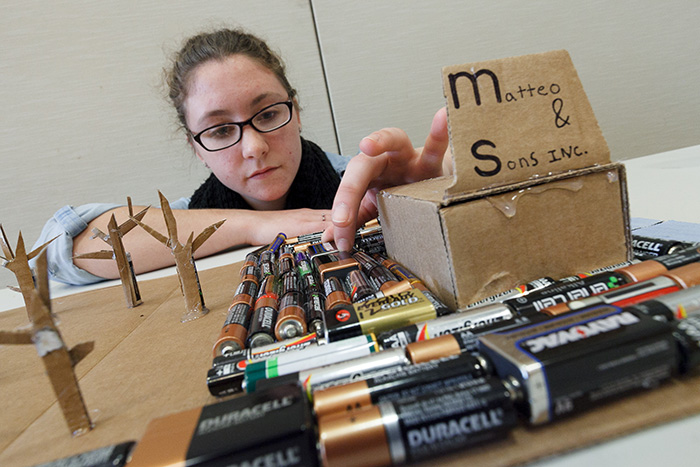



DC_image_carousel


Another News Title
A slightly longer description for this story to showcase how this. The Single News Highlight is perfect for showcasing a single news article from Dickinson News or from an external source.
READ MOREp
A longer example of a news title for the final widget
This widget is designed to mimic the Latest News page.
READ MOREp